This article is a backup post for Steam Achievement Manager, which lets you unlock and remove Steam achievements.
Please refer to the link for updates.
Introduction
Have you ever thought it was annoying when achievement notifications pop up in the bottom right corner while you're playing a game?
Wouldn't you rather just unlock all achievements at once?
In that case, I'd like to introduce some software that lets you tinker with achievement data.
ALL AT YOUR OWN RISK !!!
Installation and Usage
STEP Download Steam Achievement Manager
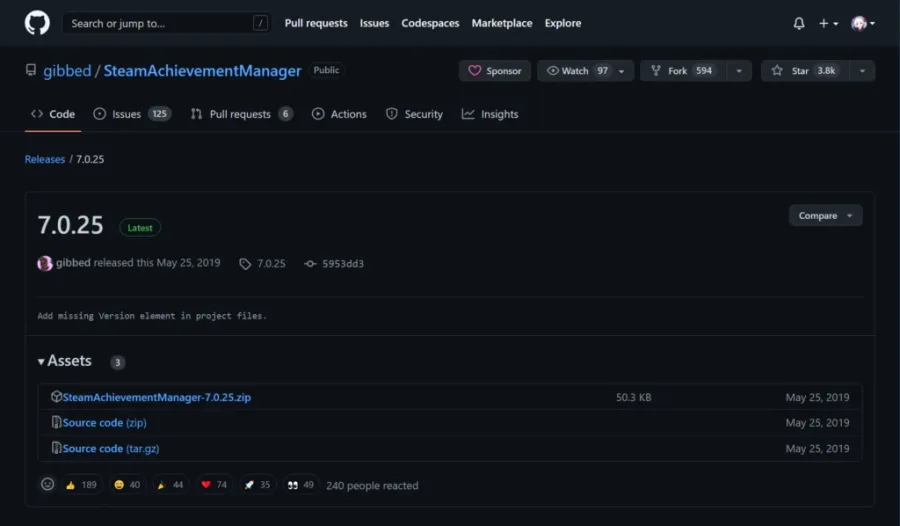
Download SteamAchievementManager-X.X.X.X.zip from the link above.
Once downloaded, extract it to a location of your choice.
STEP Unlocking Achievements
With Steam running, launch SAM.Picker.exe.
Once launched, it will display the games you have that have achievements.
Select the game you want to unlock.
A list of achievements will then be displayed.
Select the achievements you want to unlock and check the boxes.
Once you have made your selections, click Commit Changes in the top right to confirm.
The achievements will then be unlocked.
At this point, notifications for the unlocked achievements will pop up.
Be careful not to let them fill up your screen.
STEP Removing Achievements
The procedure is almost the same as unlocking.
Select the achievements you want to remove and uncheck the boxes.
Once you have made your selections, click Commit Changes in the top right to confirm.
The achievements will then be removed.
Conclusion
You can tell that achievements are being unlocked in bulk from your activity.