目次
The other day, I wrote about how I unified my keyboard and mouse between my Mac and Windows PC, allowing me to switch between them using a single keyboard and a single mouse.
There was just one inconvenience.
I sometimes use my MacBook with a mouse and sometimes with the trackpad, but when I match the mouse scroll direction to Windows, the trackpad feels reversed.
Since Mac does not allow you to set the scroll direction for the trackpad and mouse separately, I had to manually reset the scroll direction every time I used the trackpad.
I thought it was a hassle, so I looked for a tool and found one.
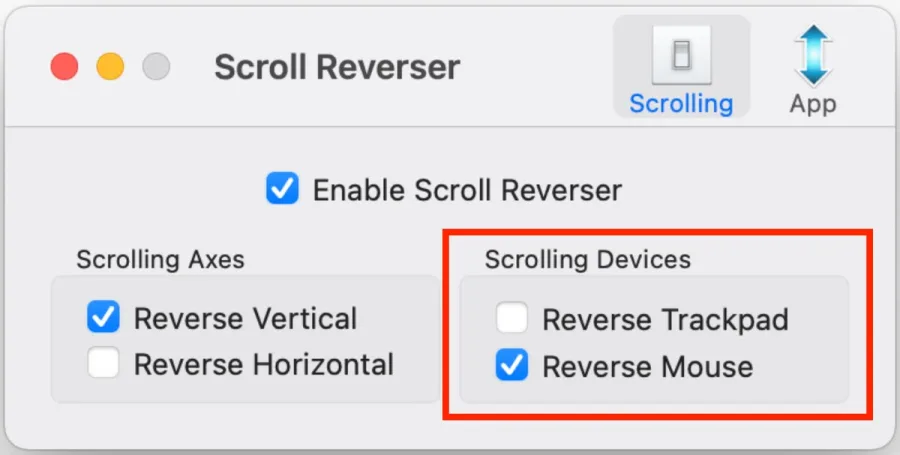
Scroll Reverser.
On this screen, you can set the direction for each individually.
You can download it from here.
It is free.