Quick VRChat Translator Guide (VRCT)
Want to talk with Japanese or other foreign users in VRChat? Here’s how!
(Why write this? Because 10+ people already asked me, "What is that tool?!")
1. Intro
This is the fastest setup guide for VRCT. For details, check the official docs later.
1-1. About VRCT100% Free
Sends your voice/text to the VRChat ChatBox via OSC.
Translates your words in real-time.
Translates their words back to you.
Supports multi-language translation.
Uses local translation by default (Google Translate etc. also available).
More Info
2. Download
GitHub
Booth(Same file)
3. Install
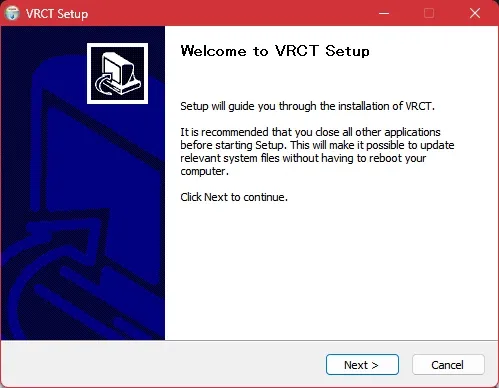
Just follow the installer. (Requires about 6GB of disk space).
4. Setup
Translation: Turn ON.
Voice2Chatbox: Turn ON to start using your mic.
Text Input: Type your text and click the send button (bottom right) to translate.
Speaker2Log: Turn ON to translate what other players say back to you.
Language Settings: Select your language and the target language.
Check Your Mic Device.
Important: Don't forget to turn ON OSC in your VRChat expression menu!
5. Tips for Better Translation
Speak clearly & a bit louder.
Avoid slang & proper nouns.
Keep sentences short but complete.
Don’t sweat the small stuff!
Helps the mic recognition.
5-2. Avoid slang & proper nounsTranslation engines hate them.
5-3. Keep sentences short but completeDon't use single words; full, simple sentences work best.
5-4. Don’t sweat the small stuff!Mistranslations happen. People know you're using a tool, so just enjoy chatting!
6. For Power Users
6-1. Slow translation?GPU Processing: Toggle this on to make translations much faster.
External Services: You can also connect external translation APIs if preferred.
7. Changelog
May 22, 2026: Created after the 10th person asked "What's that?!"