This time, I will try out an image generation AI called "Leonardo Ai." Recently, I have been using "Bing Image Creator" or "Adobe Express" exclusively because they are free, but since each image generation AI has its own sense or style, the more I know, the more convenient it becomes, so I am trying out new things anyway.
Features of Leonardo Ai
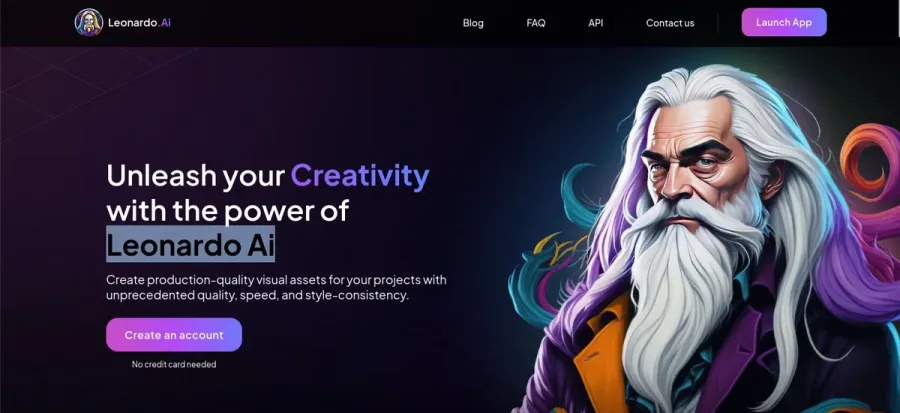
First, I looked up the features of Leonardo Ai on the web. To explain it roughly, it is like this:
・Generates images from prompts like other image generation tools
・Commercial use is also possible
・Free within the range of 150 tokens (credits) per day
・Basically 1 token per image
・Prompts also support Japanese
It is nice that the amount of tokens used is cleared every day.
I will try using it right away.
Signing in to Leonardo Ai
First, I will sign in to Leonardo Ai.
First, access the URL from the following link.
Click the "Create an account" button at the bottom.
It seems you can also sign in using an Apple ID, Microsoft, or Google account. If you don't have one, register with an email and password to enter.
Next, register your username (XXXX@XXXX format) and answer questions about your interests. Click "next" at the bottom of the screen to proceed.
After that, if you skip (or properly view) the screen inviting you to an introduction, you will reach the main screen to use. It is a screen with a somewhat neon-like color scheme.
First, click "Image Generation" to proceed. The screen for entering image generation prompts will be displayed.
This completes the preparation for trying it out.
First, a trial run
First, I will input the prompt I tried with Dall-E2.
Wow, that's cool!! It's clearly drawing more realistic and cooler fighter jets than Dall-E 2. At least when it comes to machinery, it seems to draw pretty nice illustrations.
The shape and the luster of the colors are quite nice.
Next, I'll try having it draw an image with a person in it.
It feels a bit off, but the style and the touch are quite nice.
Next, I'll try making it just an illustration of a woman.
Whoa!! This is a very high-quality illustration. However, it feels a bit off somehow. Is it mistaking the uniform for a kimono??
My impressions after doing this much are:
- It draws high-quality illustrations with pretty good accuracy.
- But sometimes it doesn't quite understand the subject it's drawing.
You can adjust various things
Below the prompt, there are several pull-down menus. The one on the far left seems to allow you to select models like LLMs, and you can choose options such as "Stable Diffusion" and "3D anime Style".
The type and quality of the resulting image change significantly depending on the selection.
I think it's a good idea to try them out and use your favorites.
3D model style and the like can produce images with a very specific direction.
I tried toggling the "Leonardo Style" switch next to it on and off, but there was no major change in the resulting image. However, I do feel it got closer to the shape of the pattern I specified.
Impressions after using it
Since it stopped drawing new images here, I will summarize for now.
Leonardo AI creates quite high-quality illustrations relatively easily. And although I haven't measured it accurately, I feel it is quite fast. You can keep generating images quite smoothly. It feels very satisfying.
However, there is also a sense that it cannot accurately recognize the subject being drawn. For some reason, a high school girl in a uniform might end up in a kimono.
Also, since you can choose from various models, it feels like it will be quite fun to use.
Next time, I plan to bring in some more difficult prompts from elsewhere. Will Leonardo AI be able to handle cool illustrations as well?