I have been receiving more and more inquiries from people who have started using Z-Image Turbo, saying, "When I write prompts with the same mindset as FLUX or SDXL, the accuracy isn't as good as I expected." I myself was stuck on the same point at the beginning. To conclude, Z-Image Turbo is different from previous models in terms ofthe very way you write prompts. By abandoning the method of listing keywords and instead writing indescriptive English sentences, you can finally bring out the model's true performance.
In this article, I will share the principles of Z-Image Turbo prompt design in the first half, and 10 practical prompt templates in the second half. These 10 templates are focused on photorealistic AI beauties and are structured to bring out the characteristic strengths of Z-Image Turbo. Feel free to copy and try them all.
What is Z-Image Turbo? (Let's establish the basics first)
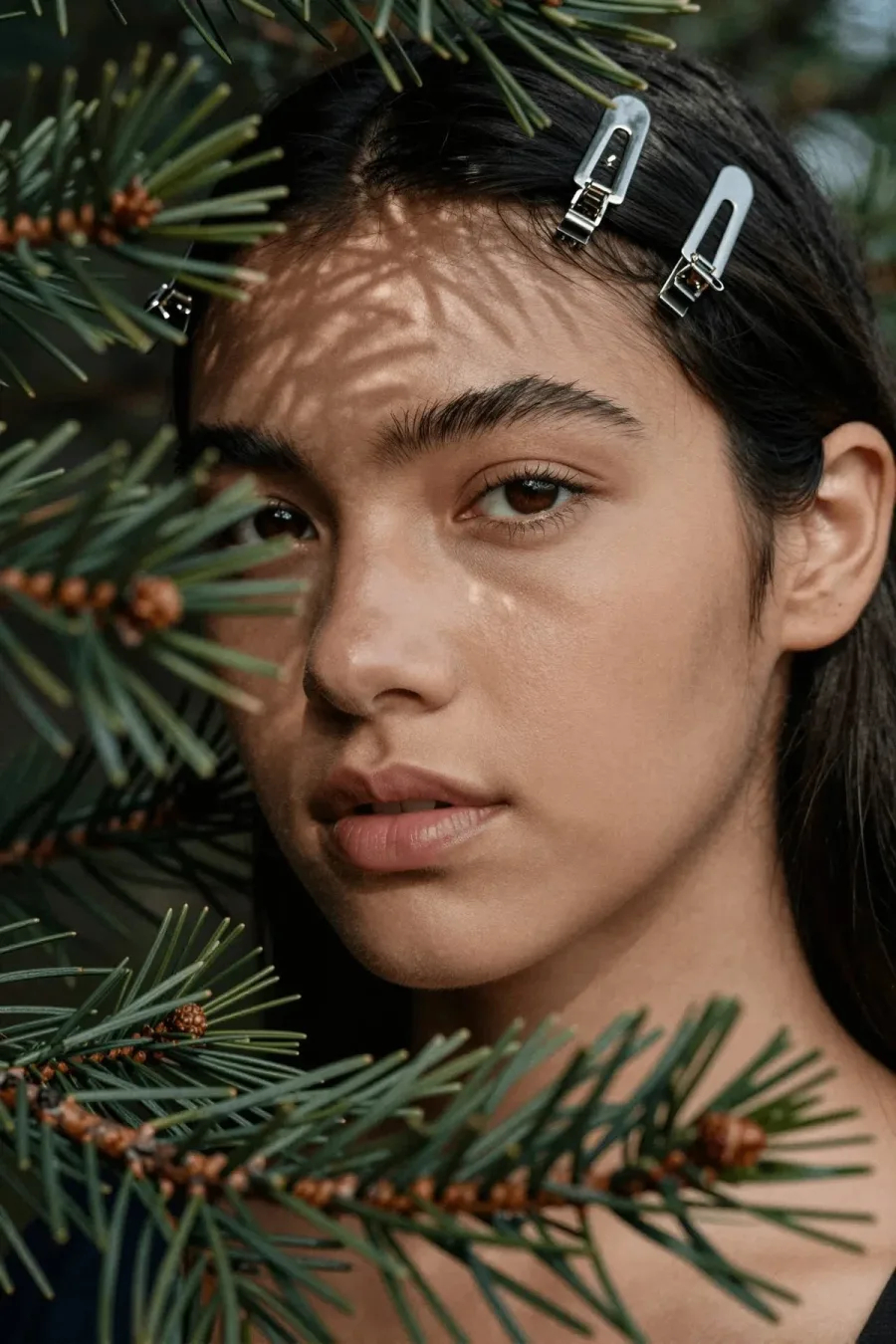
Z-Image Turbo is an image generation model released by Alibaba Tongyi Lab on November 27, 2025. Despite its relatively small size of 6B parameters, it is announced to deliver quality comparable to closed models over 20B, and it is highly regarded, especially for photorealistic portrait generation.
Let's cover the technical specifications.
Parameter count: 6B
Architecture: Scalable Single-Stream DiT (S3-DiT). A design that concatenates text, visual semantic tokens, and image VAE tokens into a single input stream
Text encoder: Qwen3-4B (It is important that it is equipped with a very large encoder)
VAE: 16-channel VAE (ae.safetensors) same as the FLUX series
Recommended NFE: 8 steps (because it is a distilled version)
CFG: 1.0 (CFG does not work because Turbo is a distilled model)
Minimum VRAM: 16GB (BF16 version). Around 10GB for the FP8 version, and runs with even lower VRAM for the GGUF version
License: Apache 2.0 (commercial use allowed)
The verification environment has been confirmed on high-end Apple Silicon Macs (with 48GB or more of unified memory) and cloud GPU environments (high-end GPU instances on RunPod).
Why "keyword list prompts" are less effective with Z-Image Turbo
This is the main point.
Those who are used to SDXL or Pony must have written prompts like this.
1girl, solo, long hair, black hair, looking at camera,
photorealistic, masterpiece, best quality, 8k, ultra detailed,
cinematic lighting, bokeh
This writing style is optimized for the characteristics of the CLIP text encoder and was reasonable in the era up to SDXL. However, with Z-Image Turbo, this writing stylehardly utilizes the model's strengths.
The reason lies in the text encoder that Z-Image Turbo adopts. Qwen3-4B is designed as a large language model and has a structure that can deeply understand the context, modification relationships, and spatial arrangement of sentences. Throwing a list of words into this is like handing word cards to a person with reading comprehension skills, and you cannot fully utilize its processing power.
In principle, Z-Image Turbo reacts with the highest accuracy todescriptions written in complete English sentences. By structuring subjects, actions, environments, lighting, textures, and camera work as a single sentence, prompt adherence tends to improve significantly.
The 4-Layer Structure of Z-Image Turbo Prompts
The basic structure I use in actual operations consists of the following four layers. All 10 templates are based on this structure.
Layer 1: Subject and Action (Who & What)Who is it, and what are they doing? The more specific you are here, the more stable the results will be. If you leave it ambiguous, the model will fill in the blanks on its own, so write out everything from facial features, age, and clothing to actions and expressions.
Bad example: a beautiful Asian woman
Good example: A 24-year-old East Asian woman with straight black hair parted in the center, wearing a cream-colored cashmere turtleneck sweater, sitting at a café window seat with both hands gently wrapped around a ceramic coffee cup, looking out the window with a soft contemplative expression
In generating photorealistic AI beauties, how deeply you can describe the subject determines the quality.
Layer 2: Style and MediumSpecify what kind of image you want to produce. Z-Image Turbo supports a wide range of styles, from photographic and oil painting to anime, but if you don't specify anything, it tends to land in an ambiguous middle ground. By explicitly stating the medium, you significantly reduce generation variance.
Examples of medium specifications for photorealistic AI beauties:
ultra-realistic photograph, shot on Hasselblad X2D 100C with 80mm lens
editorial fashion photography, film grain from Kodak Portra 400
high-end commercial portrait photography, medium format digital
The trick is not to say "photo-like," but to specify a particular camera, lens, or film. The model understands these proper nouns as the characteristics of images taken with those cameras.
Layer 3: LightingThis is the hidden star of Z-Image Turbo. The precision of your lighting specification greatly influences the quality of the output.
The guidelines for choosing the right lighting are as follows:
To create a soft texture: soft window light from the left side, diffused through sheer curtains
To emphasize contours: cinematic rim lighting from behind, separating the subject from the background
For a fashion-like consistency: studio softbox lighting, high-key commercial look, even illumination
Emotional atmosphere: golden hour side light, long shadows, warm tone
Rather than abstract specifications like "cinematic lighting," specifying the direction and type of light source concretely yields more stable results.
Layer 4: Technical ParametersFinally, include specifications regarding image quality and composition.
sharp focus on the eyes, shallow depth of field,
natural skin texture with visible pores,
high resolution, photorealistic
A point of caution here: standard keywords like 8K or ultra detailed are almost ignored by Z-Image Turbo, or can even act in an unnatural way. What is effective is specific camera work instructions. Depth of field, focus position, and skin texture rendering. Mastering these three is sufficient.
10 Selected Z-Image Turbo Power Prompts
These are the practical templates. The 10 prompts are based on the Z-Image prompt collection published by Guanwei on Medium. Each is structured to test different strengths of Z-Image Turbo (photorealism, composition adherence, anatomy, text rendering, etc.), and they can be copied and run as-is. When using them in ComfyUI, please remove Midjourney-style notations like --ar or --steps at the end of the prompt, as they are unnecessary.
1. Hyper-realism and Texture TestA prompt focused on Z-Image Turbo's excellent texture rendering and lighting engine.
A hyper-detailed photograph of an elderly fisherman with sun-worn,
wrinkled skin, sitting on a weathered wooden dock at sunset. He is
holding a freshly caught fish, the scales reflecting the orange sun
with incredible detail. Cinematic rim lighting, deep shadows, 8K,
shot on a Leica M10.
Goal: Under the specified cinematic lighting, Z-Image Turbo processes both wrinkled skin and the metallic reflection of fish scales with high precision. This is a template to directly test the capabilities of photorealism.
2. Complex Composition and Contrast ChallengeA template that tests whether Z-Image Turbo can maintain clear boundaries and multiple elements, verifying its prompt adherence.
A split-image composition: on the left, a dense, rain-slicked
cyberpunk cityscape at night with complex neon reflections; on the
right, a serene, sun-drenched Japanese zen garden with a single
cherry tree in full bloom. The dividing line is sharp and clean.
Intricate detail, Z-Image Turbo realism, Z-Image prompt adherence
test.
Goal: Conventional models struggled to completely separate two different scenes, but Z-Image Turbo's high-precision text encoder enables synthesis that combines two such concepts.
3. High-Difficulty Anatomy and Motion TestA prompt for testing hand rendering, a long-standing challenge in AI generation, with Z-Image Turbo.
A close-up, dramatic portrait of a woman in a deep blue velvet
dress, focused on her hands as she gently holds three glowing
glass orbs. The intricate detail of her fingers and knuckles is
perfectly rendered. Backlit, moody atmosphere, renaissance oil
painting style, Z-Image anatomy correction, volumetric light.
Goal: A touchstone for verifying Z-Image Turbo's improved anatomical structure. It is effective for checking whether distortions appear in hand rendering.
4. Macro Detail and Material PromptA prompt that leverages the model's texture understanding to demand fine fidelity.
Extreme close-up macro shot of a single perfect droplet of morning
dew resting on a thick, moss-covered stone. Extreme shallow depth
of field, natural softbox lighting, showcasing the texture of the
moss and the reflection of the sun within the water drop.
Unbelievably detailed Z-Image rendering.
Goal: Z-Image Turbo excels at accurate rendering of fine surfaces, such as moss or the refraction of light within water droplets. This template pushes the limits of texture realism.
5. Speed and Quality Test at Low StepsThis is a simple yet high-quality prompt designed to demonstrate the high-speed synthesis capabilities of Z-Image Turbo.It is intended to be executed in 6 to 8 steps.
A lone astronaut standing on the rugged surface of Mars, looking
up at Earth visible in the black sky. Wide-angle shot,
photorealistic, cinematic composition, Z-Image Turbo speed test.
Goal: The objective is to achieve high fidelity in under 5 seconds. Thanks to the distillation technology integrated into Z-Image Turbo, high quality can be achieved in an extremely low number of steps, enabling rapid prototyping.
6. Historical Film Noir Style PromptA prompt focused on high contrast and style fidelity. Z-Image Turbo truly shines in these areas due to its lighting comprehension.
A 1940s film noir detective in a trench coat standing in a
smoke-filled, dimly lit, cluttered office. Strong, dramatic
chiaroscuro lighting, high contrast, black and white, shot on
vintage 35mm film stock. Z-Image stylistic adherence.
Goal: Z-Image Turbo accurately captures dramatic, high-contrast lighting to achieve a true film noir aesthetic as if shot on film.
7. Abstract Concept VisualizerA prompt to test Z-Image Turbo's ability to convert abstract ideas into consistent, visually striking digital art.
The visual representation of a complex algorithm solving the
liar's paradox. Abstract digital art, glowing geometric forms,
interwoven paths of light, deep blue, gold, and orange color
palette, heavy volumetric lighting, octane render, Z-Image
concept fidelity.
Goal: Z-Image Turbo's prompt engine excels at conceptual translation, achieving visual consistency even when the subject is highly abstract. This template tests the model's creative interpretation.
8. Cinematic Grand Scale PromptA prompt designed to fill the screen with dynamic movement and environmental detail.
An immense Viking longship battling a massive, terrifying storm
on a turbulent, deep green sea. Dynamic water splash and foam
effects, lightning in the sky, low-angle shot, epic scale,
cinematic matte painting, Z-Image environmental detail.
Goal: Z-Image Turbo processes large-scale scenes and complex physical phenomena (such as turbulent water) with better detail retention than previous models. You get sharp rendering across the entire screen.
9. Text Generation and Detail PromptA prompt to confirm the improvements in Z-Image Turbo regarding text rendering, which is often difficult for AI.
A vintage-style neon sign, glowing with electric blue and crimson
light, that clearly and correctly displays the words "Z-IMAGE TURBO"
in a retro-futuristic font. Rainy street background, focused light
source, 8K detail, Z-Image text comprehension.
Goal: You can verify the superior text comprehension capabilities of Z-Image Turbo's text encoder. While not perfect, it can render short English phrases accurately with a high probability.
10. Whimsical Sculptural Detail PromptA prompt focused on complex and imaginative details, leveraging the characteristic of Z-Image Turbo having relatively loose filtering.
A whimsical, highly detailed sculpture of a mythical beast—part
griffin, part clockwork mechanism—constructed entirely from
polished bronze gears, brass tubing, and recycled clock components.
Displayed on a minimalist pedestal in a stark, brightly lit gallery.
Steam-punk aesthetic, Z-Image micro-detail.
Goal: Z-Image Turbo is capable of expression based on very specific and detailed instructions. By listing material names specifically, you can confirm its ability to distinguish the textures of different metals.
5 Things You Should Not Do with Z-Image Turbo
Before using the 10 prompts covered so far, let's also organize the writing styles you should avoid.
1. Do not rely on negative promptsZ-Image Turbo is a distilled model that recommends CFG=1.0, and negative prompts essentially do not function in principle. You must abandon the idea of 'improving quality with negatives.' Quality is determined by the precision of your positive prompt.
2. Stuffing with Quality TagsListing quality tags like masterpiece, best quality, 8k, ultra detailed, and award winning is ineffective in Z-Image Turbo and may even introduce noise. It is more logical to ensure quality through specific descriptions.
3. Abuse of WeightingWeighting like (glowing eyes:1.5) technically works in the ComfyUI implementation. However, abusing it can break the overall structure of the prompt, potentially causing the model to fail to interpret it as a coherent sentence. It is recommended to limit weighting to only 1 or 2 areas you truly want to emphasize.
4. Increasing Step CountZ-Image Turbo is optimized for 8 steps. Increasing to 16 or 32 steps does not linearly improve quality and can actually lead to unnatural deviations. The recommended range is 6 to 8 steps.
5. Reusing FLUX PromptsPrompts that work well in FLUX will not yield the same results in Z-Image Turbo. This is because the text encoders are completely different: FLUX uses T5-XXL, while Z-Image Turbo uses Qwen3-4B. At a minimum, you must rewrite the lighting specifications and subject description layers.
Categories Where Z-Image Turbo Excels
Based on my testing, here are the categories where Z-Image Turbo clearly outperforms other models.
East Asian portrait photography: Due to the balance of the training data, facial features of Japanese, Korean, and Chinese individuals appear natural.
Portrait photography: It has a high understanding of lighting, making it easy to achieve a studio-shot texture.
Hand rendering: The finger deformities that frequently occur in FLUX are significantly reduced in Z-Image Turbo.
English and Chinese text rendering: Text on signs, T-shirts, etc., is reproduced with relatively high accuracy.
Conversely, there are areas where it struggles.
Complex multi-person scenes: It tends to break down when placing three or more people.
Japanese text: It does not achieve the same level of accuracy as English or Chinese.
Highly specialized anime styles: It does not reach the strengths of Pony or Illustrious-based models.
Summary
There are three key points to keep in mind for Z-Image Turbo prompts.
Stop listing keywords and write a narrative in English. The Qwen3-4B text encoder deeply understands sentence structure
Construct using a 4-layer structure (subject, style, lighting, technical parameters). Lighting, in particular, determines the quality
Do not rely on negative prompts, quality tags, or weighting. Compete based on the descriptive accuracy of your positive prompts
All 10 templates are built upon the three principles above. I believe the fastest way to master Z-Image Turbo is to first copy them as-is to verify they work, and then tune them by swapping in your own subjects.
Summary of this article (120 characters)
The way to write prompts for Z-Image Turbo is fundamentally different from SDXL or FLUX. Due to the characteristics of the Qwen3-4B encoder, writing in an English narrative format rather than a list of keywords is effective. This article explains the principles of the 4-layer structure and provides 10 practical prompts for photorealistic AI beauties.