Introduction
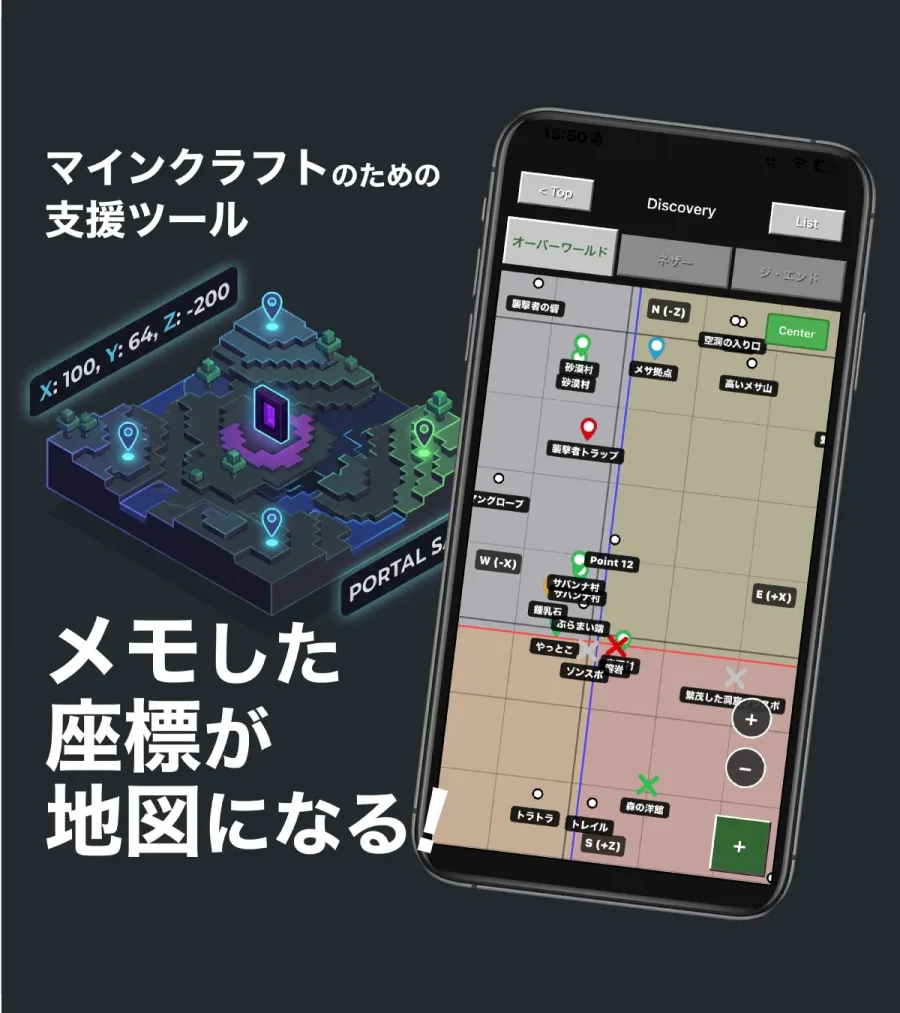
Do you ever experience these things while playing Minecraft?
You went on an adventure and lost your base...
You can't find the pillager outpost you passed by...
You found an iron vein but forgot to write down the coordinates...
You have too many screenshots and don't know where anything is
Converting coordinates between the Nether and the Overworld is a hassle every time...
To solve those problems, I created
"XYZ MEMO for Minecraft".
You can download it completely free on both iPhone and Android.
What you can do with XYZ MEMO
Quickly memo coordinates — Save coordinates and names as a set
Manage by world — Neatly organize coordinates for multiple worlds
Automatic Nether coordinate conversion — Instant ÷8, ×8 calculations between Overworld ↔ Nether
Data backup and migration — Export & import via JSON
Download
▼ iPhone / iPad
(https://apps.apple.com/app/id6759347558)
▼ Android
(https://play.google.com/store/apps/details?id=com.restarcraft.kaigatsumapping)
How to use
① Create a worldAfter launching the app, "Add a world".
Example) Survival / Building World / Friend's Server
Select a world and tap the "Add Point" button.
Example of input fields:
X coordinate, Y coordinate, Z coordinate, location name, memo
↓
128, 64, -256, Base, Desert Village
When you select the "Nether Portal" icon on the coordinate details screen, the coordinates between the Overworld and the Nether are calculated automatically. No more manual calculations needed!
④ Back up your dataIf you select "Export" from the world details screen, all data can be written out as a file. This is safe for migrating to the PC version or changing devices.
️ There is also a PC version (Windows / Mac)
The mobile version is completely free, but ads are displayed to cover development and maintenance costs.
The PC version has a large screen and no ads for a clean experience.
The download link for the PC version is listed in the paid area of this article . Please try the free mobile version first.
Paid area: PC version download link
↓ ↓ ↓