Suddenly, when I entered text and sent it in the iOS app version of ChatGPT, the following error occurred. I am making a note of how I resolved it.
Conclusion
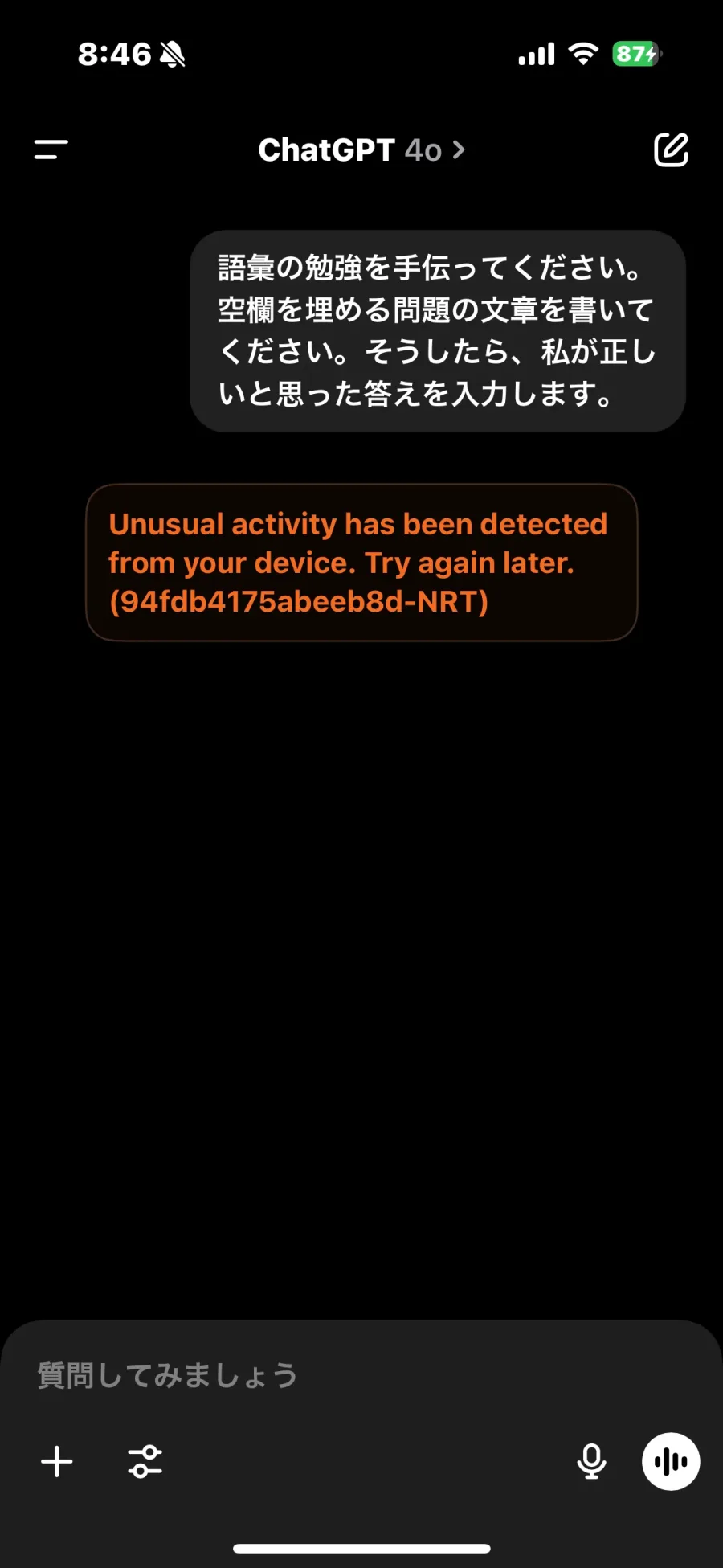
Changing the network DNS settings resolved the issue.
How to change*Although it was also occurring on mobile data, this setting resolved it.
Launch the [Settings] app
Tap [Wi-Fi]
Tap the ℹ️ button for the connected Wi-Fi
Tap [Configure DNS]
-
Set to [Manual] and change to Google DNS (8.8.8.8 and 8.8.4.4).
I resolved it with 8.8.8.8
Process until resolution
I tried the following first, but it didn't resolve it, so I sent a message from ChatGPT Help.
Things I triedRestarting the app
Restarting the device
Logging out
Reinstalling the app
Switching between mobile data and Wi-Fi
Wait a while and try sending again
Another error
Occasionally, the following error occurred instead of the one above. In terms of frequency, this one was less common, occurring at a ratio of about 7:3. After resolving the issue, this error has not occurred either, and it seems it can be solved using the same method.
Related URL
This was different from my case