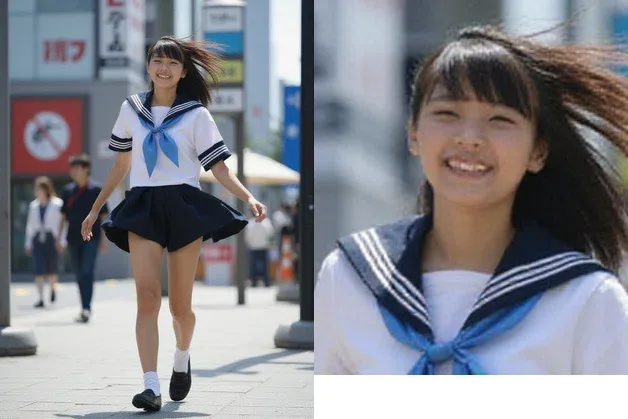
This is a continuation of the article below.
* While I am using ComfyUI for automation, the same can be done manually in webUI.
In the case of local Flux.1, using lightweight versions such as fp8 or nf4 is a realistic choice. However, when using these lightweight versions (if using the dev version), while the overall composition may be comparable to the top-tier Pro version, the resolution often does not match the generated resolution when zoomed in.
In the previous method, I used the image generated by Flux.1 at 768x1024 directly for upscaling using SD1.5 img2img, but I will make some adjustments this time.
As is common practice in AI upscaling, I will shrink the image slightly before upscaling.
I will use 4xNomos8kHAT-L_otf.pth as the upscaler. It produces high-quality results for detailed images, but it is a model with a long processing time. However, since the size is small, it finishes quickly.
* Last time, I used 4x_NMKD-Superscale-SP_178000_G.pth. It is a model that tends to amplify noise.
* The upscalers introduced, including this one, can be obtained from the site below. Just copy them into the 'models\upscale_models' folder of ComfyUI.
Finally, I will use Ultimate SD Upscale, but here I will use the same 4x_NMKD-Superscale-SP_178000_G.pth as last time to avoid it looking too flat.
Furthermore, since 4xNomos8kHAT-L and SD1.5 are weak with contrast, I will boost it slightly before processing. I am increasing the Contrast and Saturation just a little bit.
Below are related [PR] articles.